Looking for the best ways to watch NBA live streams on Amazon FireStick in 2026? You’ve come to the right place.This in-depth FireStick tutorial covers all available options to stream the latest NBA action, from the regular season to the playoffs and finals. I’ll explain how to watch NBA with or without cable using legal apps and more.
Follow these step-by-step guides on your FireStick, Fire TV, or Fire TV Cube to catch LeBron, Giannis, Curry and all the excitement.
- YouTube TV at $72.99/month includes ESPN, ABC, NBA TV and TNT with unlimited DVR storage
- NBA League Pass starts at $14.99/month and gives access to all out-of-market regular season games
- Free NBA streaming is possible through VPN-protected sports streaming sites at the cost of a VPN subscription ($2-3/month)
- Kodi sports addons like The Crew and Rising Tides provide NBA highlights and replays at no cost
- A VPN unlocks blacked-out games and lets you watch NBA from anywhere outside the US
#How Do You Get NBA on FireStick with Live TV Streaming Services?
The easiest way to watch live NBA action on FireStick is by using a live TV streaming service. These give you access to the national NBA broadcast channels like ESPN, ABC, TNT and NBA TV without expensive cable.
I suggest trying their free trials first, as most services offer 7 days free:
#1. DirecTV Stream
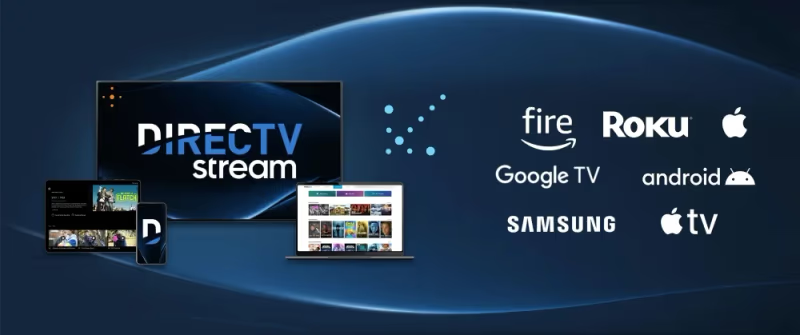
DirecTV Stream (formerly AT&T TV) has all the channels needed for NBA in one package. This includes ESPN, ABC, TNT and NBA TV, along with regional sports networks in many markets.
Their basic Entertainment package with 90+ channels starts at $79.99/month. But I recommend getting the Choice package at $98.99/month if you want NBA TV, plus more sports and entertainment options.
Both packages have a 5 day free trial using this link.
#2. FuboTV
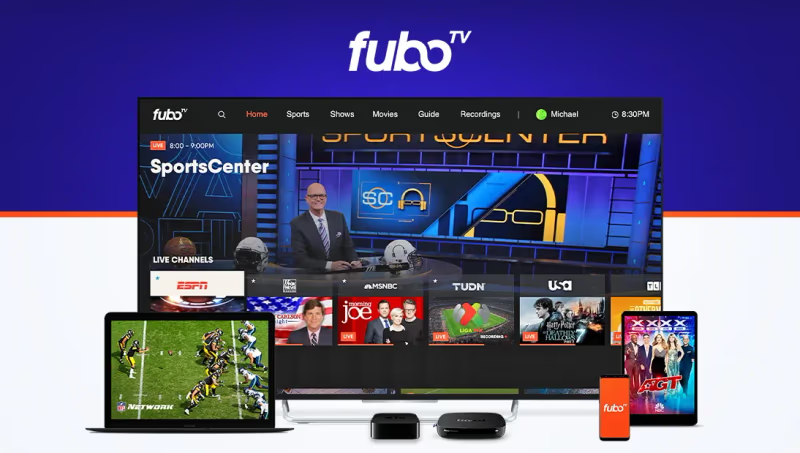
FuboTV is a sports-focused streaming service with national NBA channels, except TNT. Their Pro plan has over 180 channels for $79.99/month.
You’ll also want the Sports Plus add-on ($10.99/month) which includes NBA TV. New users get a 7 day free trial.
#3. Sling TV
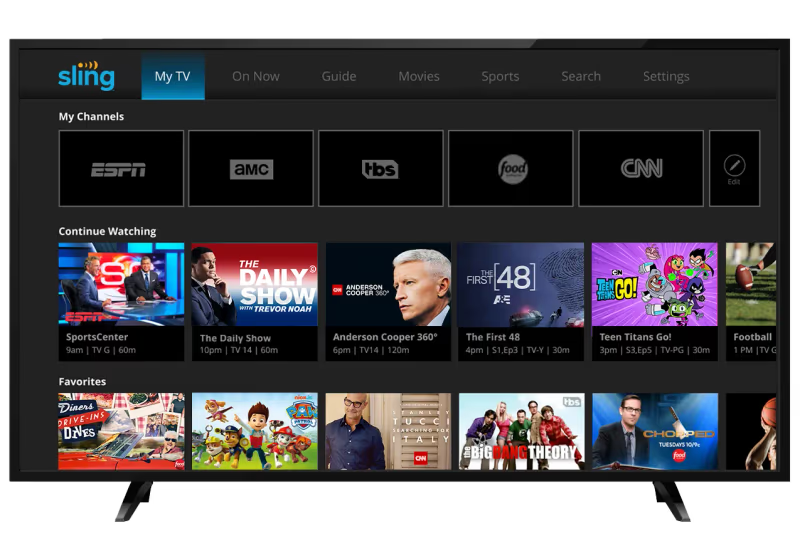
With Sling TV’s Orange & Blue plan ($60/month), you get ESPN, TNT and many regional sports networks.
Adding their Sports Extra package ($11/month) gives NBA TV plus more sports. They offer 50% off your first month.
While Sling Blue has ABC in select areas, I suggest pairing it with an antenna for ABC instead of paying more for their Orange & Blue combo.
#4. Hulu + Live TV
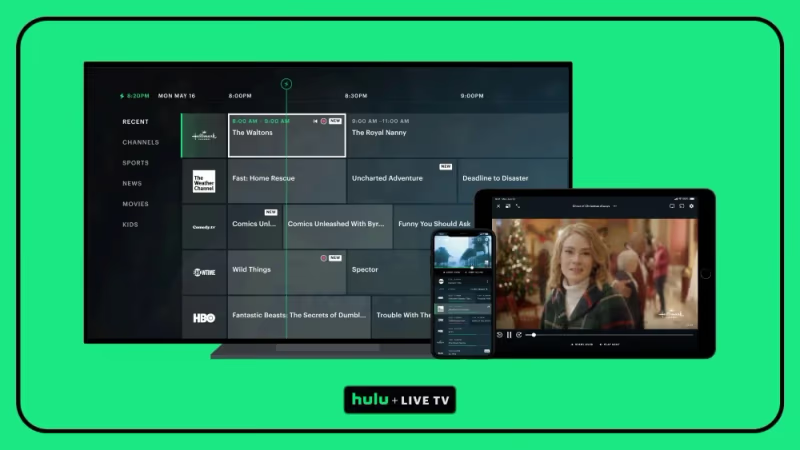
Hulu’s live TV plan has 95+ channels including ESPN, ABC and TNT for $76.99/month. Unfortunately NBA TV isn’t available.
New users get a 7 day free trial and can save $20 in the first 3 months. Hulu’s base plan also includes their on-demand streaming library at no extra cost.
If you mainly want NBA League Pass for out-of-market games, Hulu is a good option since you can bundle it directly in their app for $99 total (with limited ads) for both services.
#5. YouTube TV
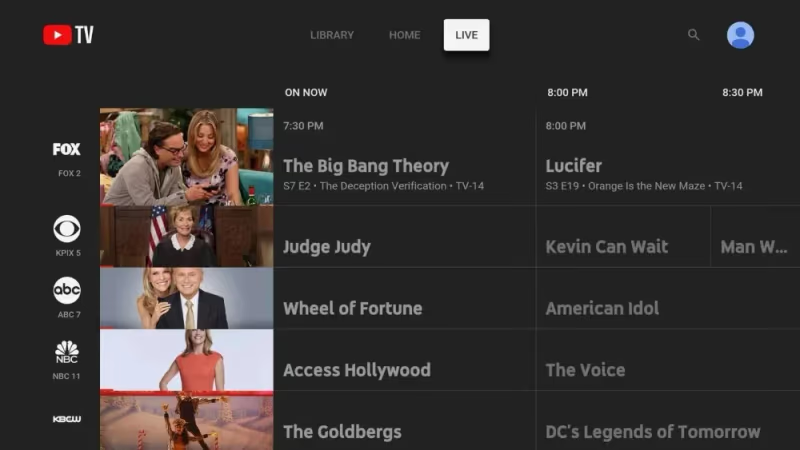
YouTube TV is one of the best cable alternatives for NBA fans who want a straightforward setup. They offer 100+ channels, including ESPN, ABC, NBA TV and TNT for $72.99 per month.
The cloud DVR has unlimited storage, plus YouTube TV allows 3 simultaneous streams. New members receive extended 5+ day trial periods.
#How Do You Get NBA League Pass on FireStick?
For dedicated NBA fans who want access to ALL live games, NBA League Pass is worth considering. This subscription service lets you live stream every 2026 NBA game out-of-market or on-demand.
Here are the NBA League Pass options and how it works with FireStick:
NBA League Pass ($14.99/month or $99/season) includes live regular season games that aren’t broadcasted nationally or in your area. You can also access full game replays.
The higher tier NBA League Pass Premium ($22.99/month or $149/season) has the same live and on-demand games BUT also removes commercials and upgrades streaming quality.
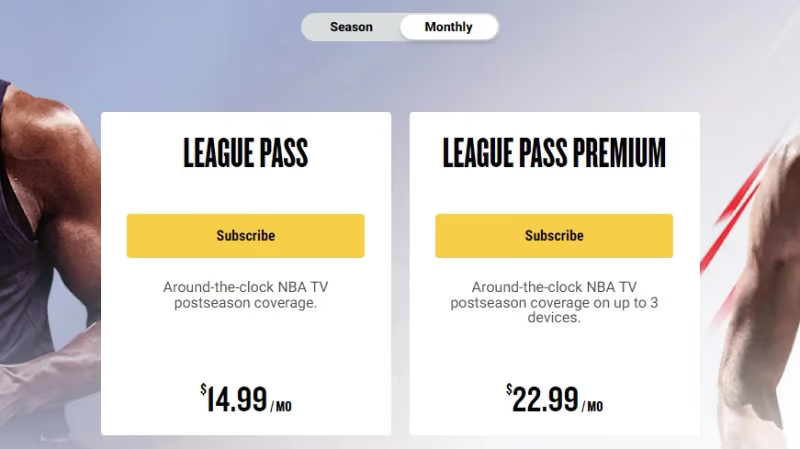
Both packages offer a 7 day free trial if you sign up directly from the NBA App on your FireStick. See below to install it.
Unfortunately NBA blackout restrictions apply based on your location. Games shown on ESPN, ABC, TNT or NBA TV won’t be available live with League Pass. You can only stream them on-demand 3 hours after being on TV.
I explain ways around regional blackouts next. But first, let’s get the NBA app set up on FireStick and take advantage of that free trial!
#Download the NBA App on FireStick
The key to unlocking free trials and full access to NBA League Pass is using the official NBA App on FireStick.
Here’s how to download and install it from the Amazon Appstore:
-
From the FireStick home screen, use the search icon. Type “NBA” into the search bar.
-
Select the NBA App from the list and click the Download button on the right.
-
Once installed, go back to Your Apps & Channels > NBA App.
-
Choose the option to “Purchase or Activate using a code”.
-
You’ll see a code generated on screen. Head over to NBA.com/activate on any laptop/phone and enter it to link your Fire TV.
-
Finally, sign in to the NBA App using your cable/streaming/SVOD credentials OR choose the League Pass free trial.
And then enjoy streaming live NBA games in HD quality!
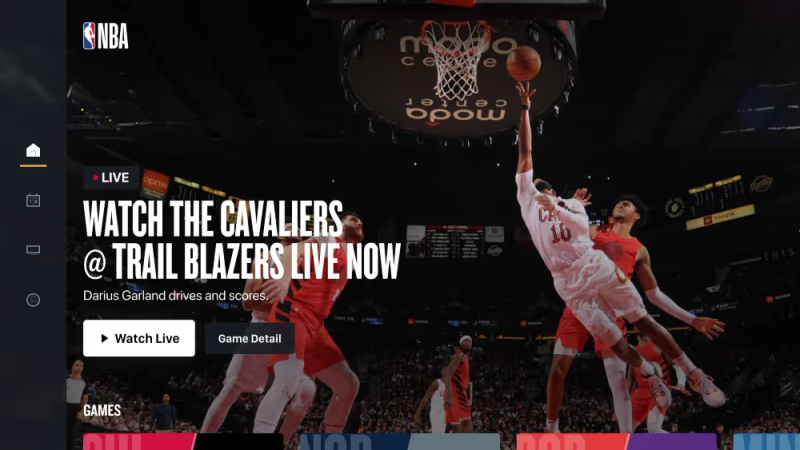
Tip: Make sure to Cancel your NBA League Pass trial within 6 days if you don’t want to keep the subscription. Otherwise you’ll be charged on day 7.
#How to Watch NBA on FireStick Free with VPN
Combining VPN and DNS proxy services with free streaming sites and apps is my preferred way to watch live NBA streams on FireStick without paying.
Here’s how it works:
Step 1) Connect your Fire TV device to a high speed VPN. I recommend Surfshark ($2.19/month) or NordVPN ($3.09/month) since they are super fast and affordable.
Step 2) Enable DNS proxy through the VPN app settings (important!). This routes your traffic for better streaming.
Step 3) Open the Silk web browser that comes pre-installed on FireStick.
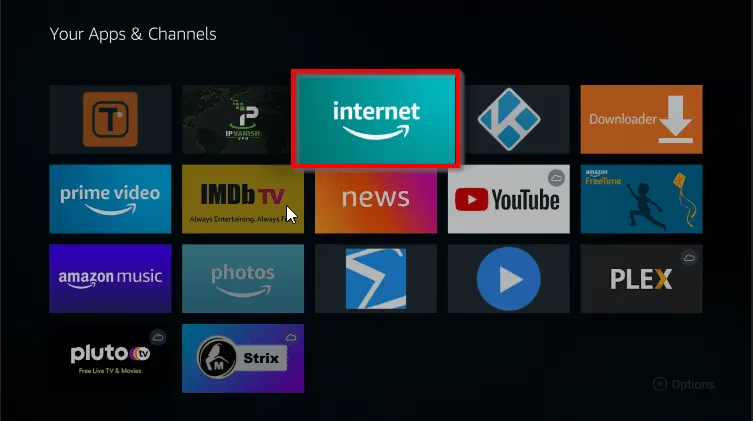
Step 4) Visit free sports streaming sites like cricsports.sc, sport365.live or redditsoccerstreams.net to find free NBA live links, usually under their Basketball sections
Step 5) Tap a working stream and enjoy smooth HD or 4K quality thanks to the VPN speed boost!
The process takes just a few minutes to setup once you have a VPN subscription. NordVPN and Surfshark offer 30 day guarantees so you can test for free.
Why VPN and DNS Are Key for Free NBA Streaming:
-
Allows access to region-blocked streams worldwide. Many free sites work only in Europe or other countries.
-
Boosts internet speeds for smooth HD/4K quality streams that don’t buffer.
-
Encrypts traffic so ISP can’t throttle or block you from accessing free streaming sources.
-
Adds security when visiting free sports streaming sites filled with ads and popups (use an adblock browser too).
#Watch NBA on Kodi with Sports Addons – Free Options Available
Kodi fans can also watch NBA basketball games without any paid subscriptions using the right sports addons.
These Kodi addons crawl 1000s of free streams from Reddit and European services to find working high quality feeds including NBA playoffs, finals and more:
-
The Crew – Extremely reliable for NBA games in HD and 4K quality.Constantly maintained.
-
Rising Tides – Must-have sports addon for NBA, NFL, NHL plus 247 channels.
-
Ghost – Great selection of NBA replays and documentaries on-demand.
-
CinemaVision – Under their Live Events section you’ll find NBA streams almost daily.
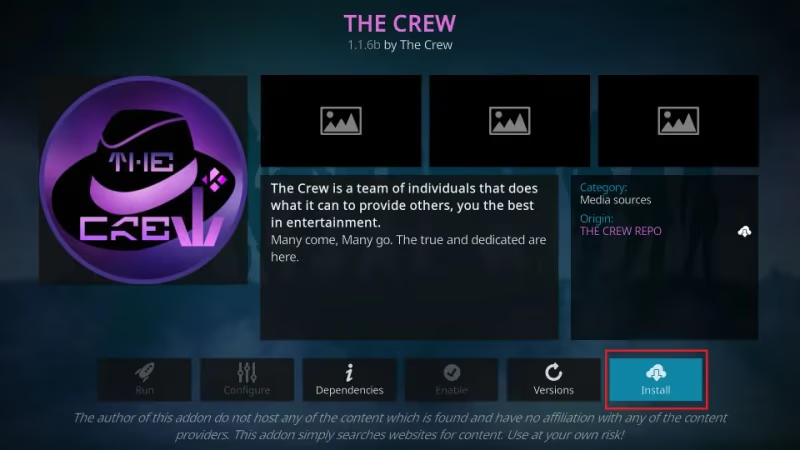
One thing to note – you won’t find every game with Kodi addons, especially nationally televised ones. But they do help fill coverage gaps if you don’t have NBA League Pass.
#How to Watch NBA Outside the US with a VPN
Geography restrictions limit most NBA streaming services and channels I mentioned above solely to American residents.
If you’re abroad or blocked due to blackout rules, one way around this is using a VPN for FireStick.
Here’s how to watch NBA from anywhere:
-
Subscribe to a top-rated Fire TV VPN. I strongly recommend Safing VPN which is specially made for streaming and handling aggressive blocking. Plus they offer a 7 day trial to test first.
-
Install the VPN app on FireStick from the Amazon Appstore. Launch and log into your VPN account.
-
Connect to a US-based server (New York is best option). This will trick streaming apps/sites into letting you access American NBA coverage.
-
Access NBA games on live streaming platforms like NBA League Pass, FuboTV free trials or even NBA Reddit Streams which think you’re located in the US!
Using a VPN is by far the easiest way to avoid frustrating blackout restrictions when traveling or living abroad. SafingVPN consistently gets high speed US connections for smooth 4K NBA streaming.
#NBA on FireStick Free & Paid Options Compared
| NBA Streaming Options | Price | Pros | Cons |
|---|---|---|---|
| Live TV Streaming (FuboTV, Hulu Live, YouTube TV, Sling, DirecTV Stream) | $50-$90/month | Easy setup, reliable streams, other live channels included | Can get expensive, some missing key NBA channels |
| Official NBA App + League Pass | $14.99-$19.99/month | Access to ALL out-of-market NBA games | Blackout restrictions apply for nationally televised games |
| Free Live Streaming Sites with VPN | $10-$15/month for VPN | Totally free NBA access using web browsers or apps | Streams unreliable at times, lots of ads without adblock |
| Kodi Addons | Free | No subscription or contract requried | Mostly NBA replays and highlights vs live games |
#Bottom Line
-
Getting an NBA League Pass subscription directly through the NBA App (with a free trial first) is best for access to ALL games.
-
Live streaming services like fuboTV and YouTube TV make it easy to watch live TV on FireStick for NBA games nationally without cable.
-
Using a VPN expans access to blacked out games and free streaming sources worldwide.
-
Free streaming sites combined with a fast VPN connection lets you watch NBA at no cost.
-
Kodi sports addons like The Crew offer mostly NBA highlights and replays versus live games.
So there you have it! With this guide, NBA fans can now enjoy easy access to live games on Fire TV using both free and paid methods.
Just before you start streaming, be sure to protect your privacy with a secure VPN connection and avoid any risky illegal streams.
Now enjoy the action and go cheer on your favorite NBA stars this season!
#FAQ
#What is the cheapest way to get NBA League Pass on FireStick?
The lowest cost option is subscribing to NBA League Pass directly through the NBA App at $14.99/month or $99/year. Enable auto-renew to save an additional 10%. You can also bundle League Pass with Hulu’s live TV plan for $99 total if you want both out-of-market games and live channels.
#Can I get a free trial for NBA League Pass on Amazon Fire TV Stick?
Yes. New subscribers can get a 7 day free trial of either NBA League Pass or NBA League Pass Premium by downloading the NBA App on FireStick. Just remember to cancel within 6 days if you decide not to keep it.
#What channels show NBA games for free on FireStick?
ABC airs 10+ nationally televised NBA games during the 2026 season for free if you can pick up the local channel with an HDTV antenna. Some regional sports networks also broadcast local team games over the air in select markets.
#Do any free Kodi addons have live NBA streaming?
The Crew and Rising Tides both pull live NBA game links from Reddit NBA Streams and European services. You will need a VPN for reliable access. Keep in mind that these addons work better for replays and highlights than live broadcasts.
#Is NBA League Pass worth the price?
For fans who follow out-of-market teams, League Pass is hard to beat. The $14.99/month plan gives you every regular season game not aired nationally, plus full replays. Free streams often buffer, go down mid-game, or show in low resolution, so paying for League Pass saves a lot of frustration.
#Which live TV streaming service has the best NBA coverage?
YouTube TV at $72.99/month includes ESPN, ABC, NBA TV, and TNT all in one package with unlimited DVR. DirecTV Stream’s Choice package at $98.99/month adds regional sports networks on top of those four channels, which matters if you want to watch your local team without blackout issues.
#Can I watch NBA playoffs and finals on FireStick?
All playoff and Finals games air on ESPN, ABC, or TNT. Any live TV streaming service that carries those three channels will cover the entire postseason. NBA League Pass does not include nationally televised playoff games live, though replays become available 3 hours after the broadcast.
#How do I fix NBA app buffering on FireStick?
Start by restarting your FireStick and router. If buffering continues, try lowering the stream quality in the NBA App settings. Connecting your FireStick to your router with an ethernet adapter instead of Wi-Fi often fixes buffering for good, especially during high-traffic game nights.
If you’re looking for more FireStick streaming tips, check out my articles on how to watch MTV, CW Live, movies in theaters, PPV events, BET channel, Red Bull TV and more on FireStick.