Roku is one of the easiest devices for streaming live MLB baseball. Every major app that carries baseball games is available in the Roku Channel Store, so setup takes a few minutes at most. This guide breaks down each option by cost, channel availability, and blackout rules so you can pick the right fit for your 2026 season.
- MLB.TV costs $149.99 per year and streams every out-of-market regular season game live or on-demand on Roku
- YouTube TV at $72.99 per month includes ESPN, Fox, FS1, TBS, and MLB Network in one package
- Apple TV+ airs Friday Night Baseball for free during the regular season with no additional subscription required
- Local blackout restrictions block in-market games on MLB.TV, but a live TV service with your regional sports network bypasses them
- Peacock streams exclusive Sunday games starting at $7.99 per month with no contract
#What Is the Best Way to Stream MLB on Roku?
That depends on which games you want. Out-of-market fans need MLB.TV. Local fans need a live TV service that carries their regional sports network. National game viewers have several choices.
MLB.TV is purpose-built for baseball. The $149.99 annual subscription covers every regular season game outside your local market. A single-team plan runs $129.99. Both include home and away broadcast feeds, multi-game viewing, and on-demand replays. Install the MLB.TV app from the Roku Channel Store, sign in with your MLB account, and you are watching in under two minutes.
The catch is blackouts. If you live in your team’s broadcast territory, MLB.TV blocks that team’s live games until 90 minutes after the final out. For local games, you need a live TV service that includes your regional sports network.
For a full walkthrough on other devices, see our guides for MLB.TV on Fire TV Stick and MLB.TV on LG Smart TV.
#Which Live TV Services Carry MLB Games on Roku?
Five live TV streaming services carry nationally televised MLB games on Roku. Here is how they compare:
| Service | Monthly Price | ESPN | Fox/FS1 | TBS | MLB Network | RSNs |
|---|---|---|---|---|---|---|
| YouTube TV | $72.99 | Yes | Yes | Yes | Yes | Some |
| Hulu + Live TV | $76.99 | Yes | Yes | Yes | No | Some |
| fuboTV | $79.99 | No | Yes | No | Yes | Some |
| Sling TV (Orange + Blue) | $60.00 | Yes | Yes | Yes | Add-on | No |
| DIRECTV STREAM | $79.99+ | Yes | Yes | Yes | Yes | Most |
YouTube TV is the strongest all-around pick for baseball because it includes ESPN, Fox, FS1, TBS, and MLB Network. It also offers unlimited DVR storage, which means you can record every game and skip commercials on playback. The YouTube TV app runs well on all Roku models.
Sling TV is the cheapest entry point. The Orange + Blue combo at $60 per month covers ESPN, Fox, FS1, and TBS. You miss MLB Network unless you add the Sports Extra pack for $11 more. Sling also lacks regional sports networks entirely. Check our MLB on Sling TV guide for the full breakdown.
DIRECTV STREAM carries the most regional sports networks of any streaming service, making it the best option if your local team airs on Bally Sports or another RSN. Prices start at $79.99 for the Entertainment tier, but RSN access typically requires the Choice package at $108.99. Read more in our MLB.TV on DIRECTV guide.
#How Do You Watch Free MLB Games on Roku?
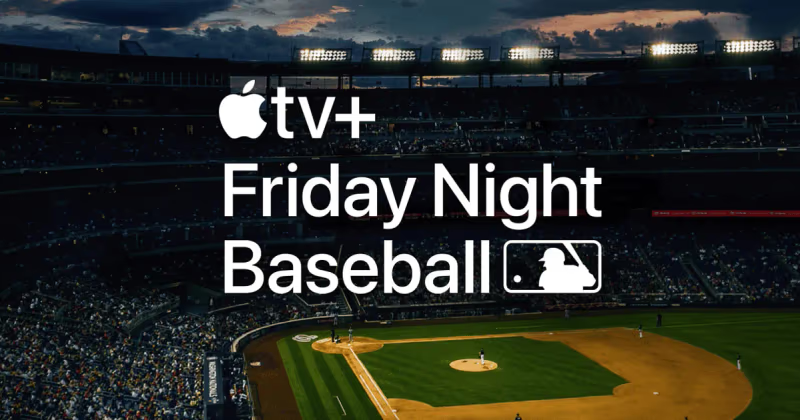
You do not always need a paid subscription. Apple TV+ streams Friday Night Baseball doubleheaders throughout the regular season at no cost. Open the Apple TV app on your Roku, find the Friday Night Baseball section, and start watching. No Apple TV+ subscription is required for these specific games.
A few other free angles exist. MLB.TV offers a free game of the day through its app. The Roku Channel occasionally carries select games as well. And if your Roku is connected to an HD antenna via a TV tuner, you can pick up Fox Saturday Baseball on your local Fox affiliate for free over the air.
#ESPN, Fox, and TBS Game Schedules
National MLB broadcasts rotate across three networks during the regular season:
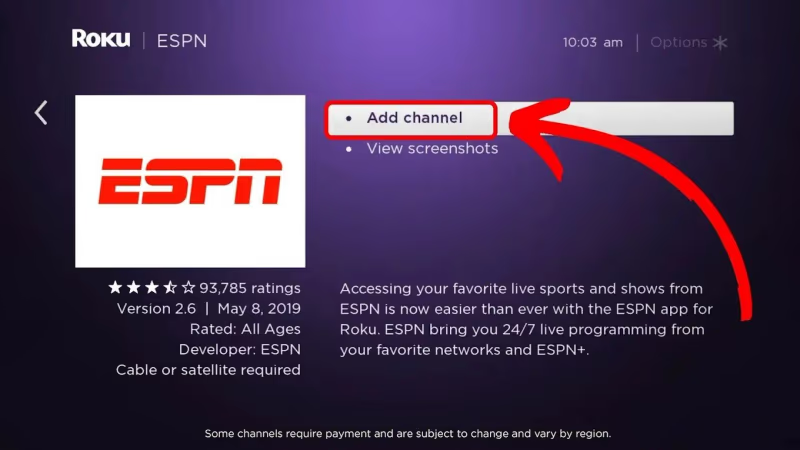
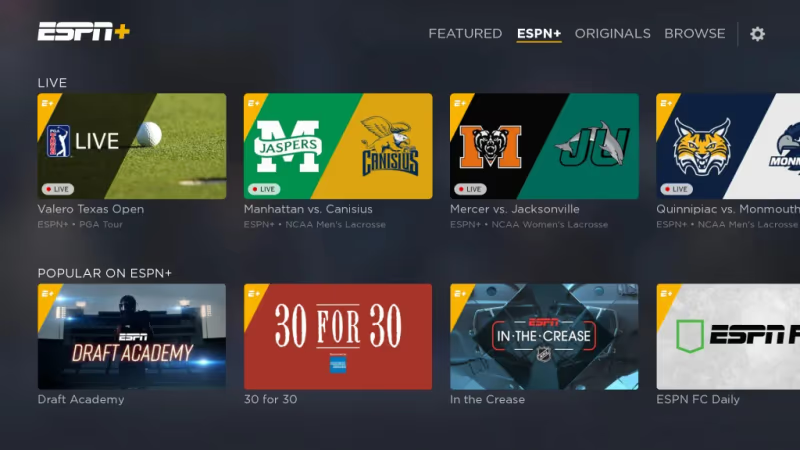
ESPN airs Sunday Night Baseball as its flagship weekly game. ESPN also broadcasts Monday and Wednesday night games during the first half of the season. Access ESPN through any live TV service listed above, or subscribe to ESPN+ ($10.99 per month) for additional out-of-market games and on-demand replays. The ESPN app is available directly in the Roku Channel Store.
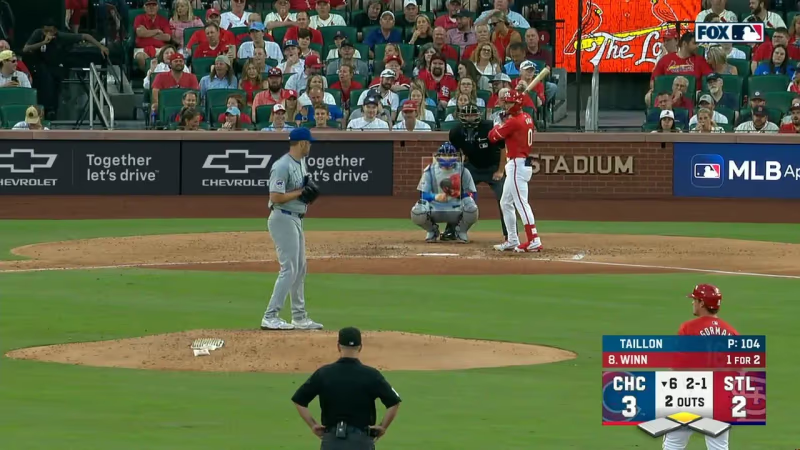
Fox and FS1 carry Saturday afternoon and evening games throughout the season. Fox handles the All-Star Game, select Division Series games, and the entire World Series. FS1 picks up midweek and postseason coverage. Both channels are included with YouTube TV, Hulu + Live TV, fuboTV, Sling TV, and DIRECTV STREAM. You can also watch through the Fox Sports app on Roku using your TV provider login.
TBS broadcasts Tuesday Night Baseball during the regular season and has exclusive rights to several American League playoff series. TBS is on YouTube TV, Hulu + Live TV, Sling TV, and DIRECTV STREAM. It is not on fuboTV.
#Peacock and Other Streaming Options
Peacock streams an exclusive Sunday morning game each week during the regular season. Plans start at $7.99 per month. The Peacock app is available on all Roku devices. These games are not available anywhere else, so Peacock is your only option for that particular time slot.
MLB Network provides studio coverage, live look-ins, and some out-of-market game simulcasts. It is included with YouTube TV, fuboTV, and DIRECTV STREAM. Sling TV offers it as part of the Sports Extra add-on. MLB Network is also bundled free with an MLB.TV subscription.
For Samsung TV owners who also want to stream baseball, our MLB on Samsung TV guide covers the app setup process on Tizen.
#How Do You Get Around MLB Blackout Restrictions?
Blackouts are the biggest frustration for baseball fans who want to watch their local team on MLB.TV. Here is how the system works and what your real options are.
MLB divides the country into broadcast territories. If you live inside your team’s territory, MLB.TV will not stream that team’s games live. The blackout lifts 90 minutes after the game ends. Some fans are blacked out from multiple teams if they live in an overlapping territory.
Your legitimate options:
- Subscribe to a live TV service that carries your regional sports network. This is the most reliable path. YouTube TV and Hulu + Live TV carry some RSNs. DIRECTV STREAM carries the most.
- Watch the game on-demand after the 90-minute blackout window closes on MLB.TV.
- Use an over-the-air antenna for games broadcast on your local Fox affiliate.
A VPN can technically bypass blackouts, but MLB actively blocks known VPN servers, and using one violates the MLB.TV terms of service. If your VPN connection drops mid-game, the stream cuts out immediately.
#Bottom Line
Roku gives you access to every MLB streaming option available. Start with MLB.TV if you follow an out-of-market team. Pick YouTube TV or DIRECTV STREAM if you need local RSN coverage and national games in one place. Take advantage of Apple TV+ Friday Night Baseball for free weekly doubleheaders. And grab Peacock if you want the exclusive Sunday morning games. Install the apps, sign in, and your 2026 season is covered.
#Frequently Asked Questions
#Is MLB.TV worth it if I only follow one team?
Yes, but only if that team is out of your local market. The single-team plan at $129.99 gives you every game your team plays, with both home and away feeds. If you live in the team’s broadcast territory, blackouts will block most of those games and you are better off with a live TV service that carries your RSN.
#Can I watch MLB playoff games on Roku?
Playoff games air on Fox, FS1, TBS, and ESPN. You need a live TV service that includes those channels. MLB.TV does not carry nationally broadcast playoff games. YouTube TV is the strongest option here because it includes all four networks.
#Does Roku have a free MLB app?
The MLB app is free to download on Roku, and it gives you scores, schedules, news, and highlights at no cost. Watching live games requires either an MLB.TV subscription or a TV provider login. Apple TV+ Friday Night Baseball games are free through the Apple TV app.
#What Roku model do I need for MLB streaming?
Any current Roku model works. The Roku Express, Roku Streaming Stick 4K, and Roku Ultra all support the MLB.TV, ESPN, and Apple TV apps. For the best picture quality during fast-moving baseball action, choose a model that supports 4K and HDR output like the Streaming Stick 4K or Ultra.
#How do I fix buffering during MLB games on Roku?
Buffering usually comes from a slow or unstable internet connection. MLB.TV recommends at least 10 Mbps for a stable HD stream, though 25 Mbps is better if other devices share your network. Move your Roku closer to your router, use a wired Ethernet connection if your model supports it, or restart both your Roku and router. For more Roku troubleshooting, see our guide on Roku keeps restarting.
#Can I record MLB games on Roku?
Roku itself does not have DVR capability. However, live TV services like YouTube TV offer unlimited cloud DVR that lets you record any MLB game and watch it later. Hulu + Live TV includes 50 hours of DVR storage. MLB.TV lets you watch full game replays on-demand within 90 minutes of the final out.
#What happened to MLB Sunday Leadoff on Peacock?
Peacock rebranded its Sunday morning baseball programming for 2026 but still streams one exclusive game each Sunday during the regular season. The format includes pre-game and post-game coverage. These games are only on Peacock and do not appear on any other service or the MLB.TV app.
#Is ESPN+ enough for watching MLB on Roku?
ESPN+ at $10.99 per month carries some out-of-market games and exclusive broadcasts, but it does not include ESPN’s main channel. You will miss Sunday Night Baseball and other marquee ESPN telecasts without a live TV subscription. Pair ESPN+ with a Sling TV Orange plan ($40 per month) to cover both ESPN+ content and the main ESPN channel on your Roku.