Watching HGTV for popular home improvement and real estate content is easy on a Roku device, even without a cable or satellite subscription. Below you will find 10+ streaming services offering live and on-demand HGTV access.
- Philo starts at $25/month with unlimited DVR and 60+ channels including HGTV
- YouTube TV and Hulu + Live TV both include HGTV with 50+ hours of cloud DVR storage
- Free trials from 5-7 days let you test any service before paying
- Screen mirroring and antennas provide additional ways to watch HGTV on Roku at no extra cost
- Sling TV offers the lowest entry point at $40/month with HGTV on both Orange and Blue plans
#Why Stream HGTV on Roku?
As a leading network for home renovation, design, and real estate content, HGTV has wide appeal for many Roku users. However, traditional cable or satellite plans often have high prices with locked-in contracts and hidden fees just to access a few favorite channels.
Thankfully, streaming HGTV on a Roku device is now simple and affordable, through a choice of live TV streaming services with free trials. Roku supports all major options allowing HGTV fans to cut the cord and save money, while still enjoying the latest episodes of favorite shows like Property Brothers, Love It or List It, Flip or Flop, and more.
Key Benefits
-
Stream live HGTV channel plus thousands of hours of on-demand home makeover shows
-
Substantially lower cost than cable – most plans under $70/month
-
Flexible packages that are easy to customize with other channels like ABC, CBS, FOX, ESPN and more
-
Cloud DVR to record episodes and watch on your schedule
-
No contracts, no equipment rentals, no hidden fees or surprise price hikes
Read on to discover the best ways to access HGTV on Roku, without needing cable TV.
#Top Services for Streaming Live HGTV Channel on Roku
Many streaming TV providers now offer the live HGTV feed. Most also include a cloud DVR option, VOD library, and competitive pricing. Almost all of these work well with Roku devices.
#1. Philo
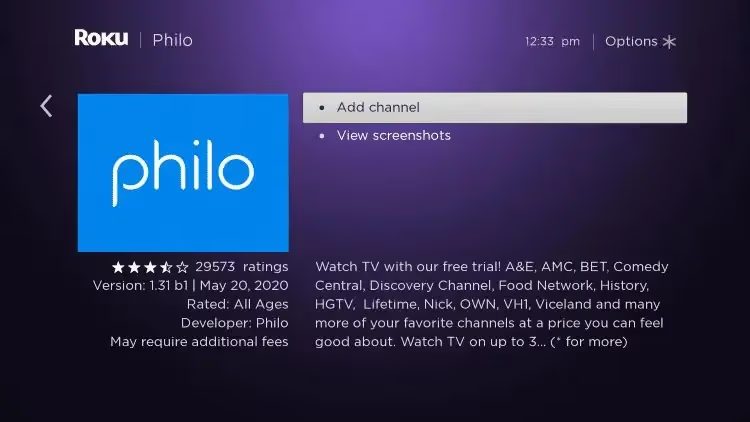
Philo is a top pick for HGTV fans on Roku. The streaming service features a live HGTV stream and over 60 other popular channels focused on entertainment, lifestyle and news categories.
-
$25 per month (starts with 7-day free trial)
-
Unlimited Cloud DVR storage
-
3 simultaneous streams
-
Includes A&E, Discovery, Food Network, HGTV, History, Lifetime, TLC, Paramount, Hallmark and more
Philo has one of the most affordable rates among streaming services with HGTV access. It lacks sports channels, but that helps keep the costs down, while still providing many top cable channels.
It’s easy to use Philo to stream HGTV on Roku. After signing up on the website or in the mobile app, installing the Philo channel from the Roku Channel Store brings the experience to the big screen. This gives full access to live HGTV, VOD library of home renovation episodes, saved shows and recordings.
#2. Hulu + Live TV
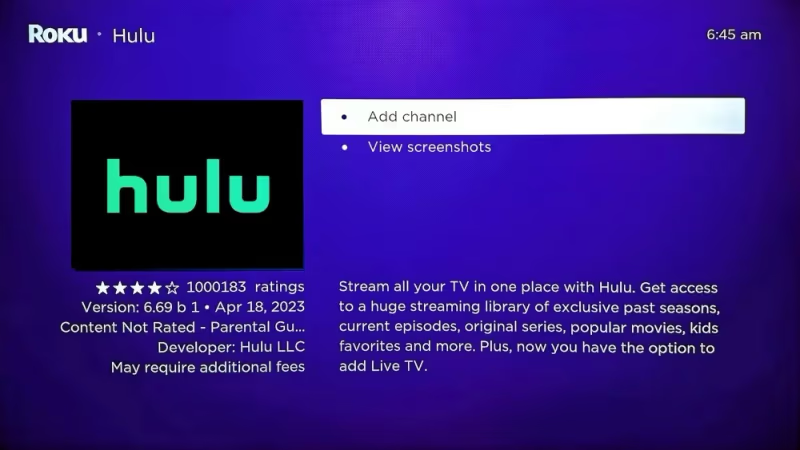
For $76.99 monthly, Hulu’s Live TV plan offers 95+ channels, including the live HGTV feed and 50 hours of cloud DVR storage. On-demand programming from the Hulu streaming library is also included.
-
Over 95 live channels including HGTV, USA, ESPN, Disney and more
-
Access full Hulu streaming library
-
50 hours Cloud DVR storage included
-
2 simultaneous streams (Unlimited option available)
Like Philo and others, Hulu + Live TV works smoothly with Roku. Once you have the Hulu channel installed from the Roku store, log into the same Hulu account used for the Live TV membership plan.
This enables streaming HGTV live programming like new episodes, plus the cloud DVR recordings and full catalog of VOD home reno and real estate shows. Hulu + Live TV works on mobile devices too. So any episodes recorded onto the cloud DVR can be watched on smartphones or tablets when away from the home TV.
#3. YouTube TV
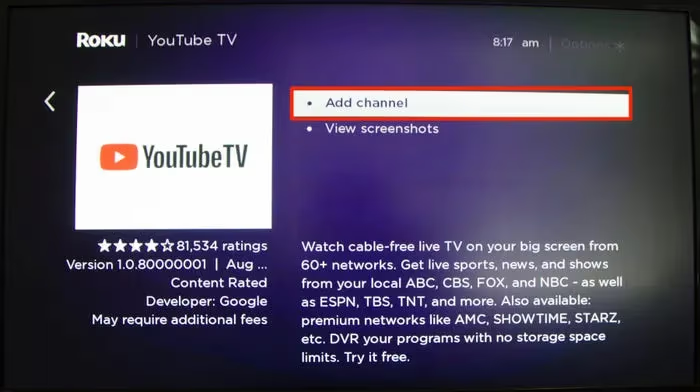
For $65 monthly, YouTube TV now surpasses over 100 channels including favorites like ESPN, HGTV, TBS, and USA Network.
-
Over 100 live channels including HGTV, sports and news
-
Unlimited cloud DVR storage for recordings
-
3 concurrent streams (up to 6 user profiles)
Roku setup with YouTube TV takes just minutes once signed into the account used for the streaming TV membership. With the YouTube TV channel installed from the Roku store, live HGTV and other channels stream instantly.
Unlimited storage space for cloud DVR allows HGTV fans to easily record full seasons of their favorite remodeling shows to watch on-demand later on Roku. YouTube TV also supports up to 6 user profiles within the same subscription, so each person can have their own DVR library and suggested content while sharing the monthly cost.
#4. FuboTV
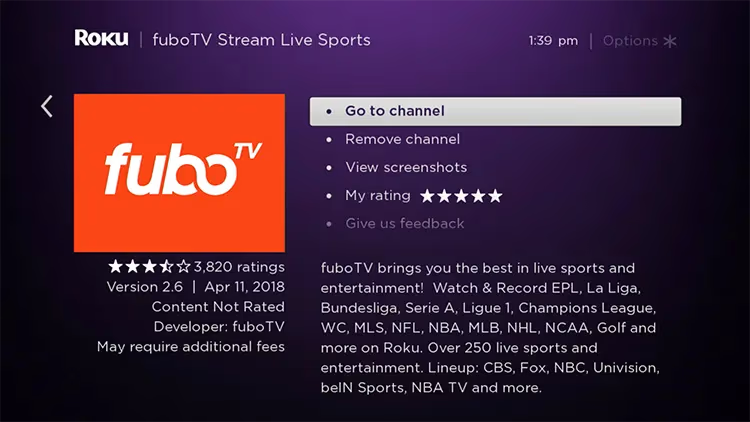
Tailored for sports fans yet also popular for news and entertainment, FuboTV has grown to offer over 180 channels.
-
Over 180 channels starting at $79.99/month
-
Look up local channel availability
-
Cloud DVR included with most packages
-
Stream on up to 10 devices
One of FuboTV’s best perks is the ability to instantly check which local channels are available based on zip code entered on their website. This makes it easy to see if HGTV or other favorites are included without any commitment.
If you want HGTV on the big screen, the FuboTV Roku app brings a great viewing experience, including HGTV recordings stored to the unlimited cloud DVR. Four subscription packages are available, but even the base $69.99 Starter plan has HGTV on the channel lineup.
#5. Sling TV
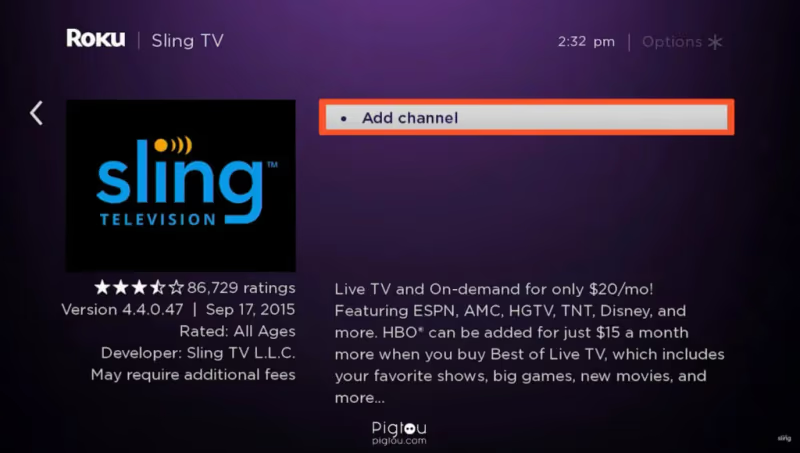
Known for more flexible and affordable live TV streaming options, check local channel availability on Sling TV by zip code. HGTV and up to 47 other channels are provided on certain base plans described below:
-
Orange plan – $40/month (50 hour DVR + HGTV)
-
Blue plan – $45/month (50 hours DVR + HGTV)
-
Can combine Orange + Blue for $60/month
Sling TV is another easy option for streaming HGTV on Roku. Access to the live HGTV feed and Sling’s channel packages varies based on location, but also starts with a free trial to test it risk-free.
#6. DirecTV Stream
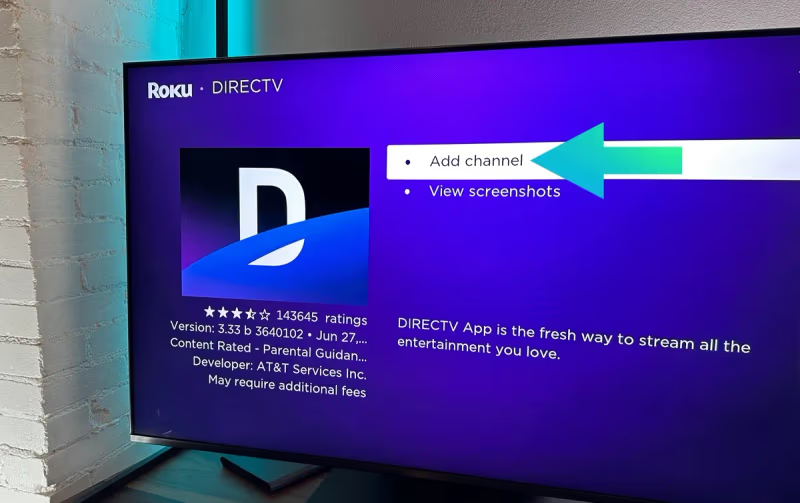
DirecTV Stream, formerly known as AT&T TV, incorporates cloud DVR, tens of thousands of on-demand shows, and the option for HBO Max bundle.
-
Starts at $79.99 per month
-
Over 160 channels on higher tiers
-
Unlimited cloud DVR included
-
Stream on up to 20 devices at home
While one of the more expensive options, benefit is the availability of HGTV on almost all DirecTV Stream packages. Even the base Entertainment tier has many more channels than cable. A subscription with HBO Max bundled in brings the price higher but with more entertainment and streaming options via one membership.
The Roku Channel app for DirecTV Stream enables full access to live networks, cloud DVR recordings and huge on-demand catalog of over 75,000 shows and movies.
#7. Other Options
Other services also provide live HGTV streaming accessible via the Roku Channel Store. These include:
-
fuboTV Canada – $35 CAD/month base plan
-
Frndly TV – $10/month (limited channel lineup)
-
Optimum Stream – Requires Optimum internet starting at $95/month
-
Zype Plex – Free ad-supported TV

Each of these four streaming services above have Roku apps in the Channel Store providing live HGTV streaming and access to various other live channels, cloud DVR storage, and on-demand shows.
#What Are Other Ways to Watch HGTV on Roku?
#Use Antenna for Local HGTV Broadcast
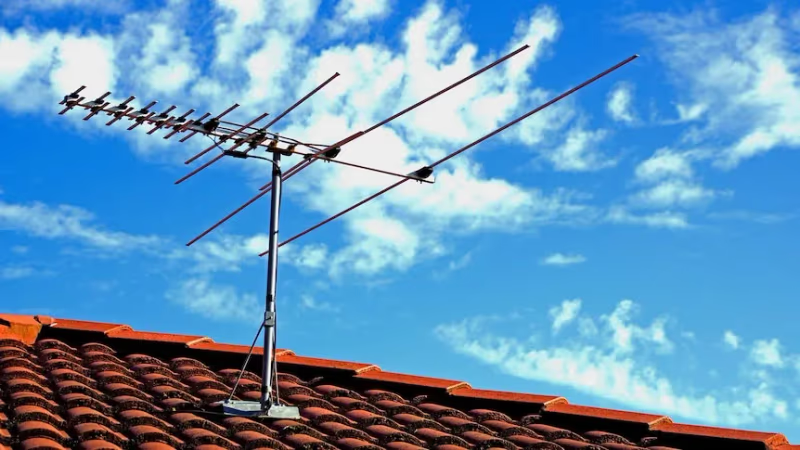
Adding an affordable TV antenna to your Roku set up enables tuning to the local over-the-air HGTV channel broadcast if available in your area. ABC, CBS, NBC, FOX and PBS feeds are often accessible this way too.
Checking the channel lineup on sites like AntennaWeb helps identify which stations can be accessed for free with an antenna in a specific location. Then simply perform a channel scan on the Roku device once the antenna is connected. Any signals detected will automatically populate the channel list.
Antennas typically cost under $40 one-time, followed by free HGTV access going forward.
#Screen Mirror Mobile Devices
Roku supports mobile screen mirroring to stream content from an iPhone, iPad or Android device. This opens up more options like:
-
Using HGTV Go app – requires TV provider login
-
Chromecasting HGTV from mobile browser
-
Screen recording HGTV episodes on phone, playing back on Roku
Under Roku settings, simply enable screen mirroring and connect a mobile phone on the same WiFi network. Then apps like HGTV Go will show Roku as an available device to cast the video signal over the local network.
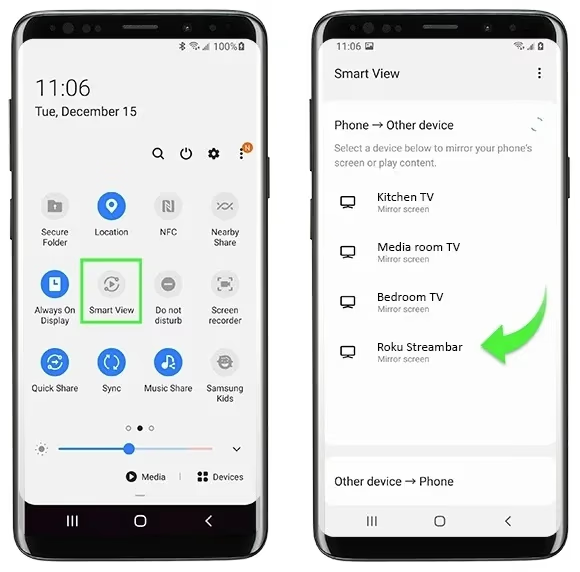
Latency used to be an issue, but newer Roku devices work very smoothly for casting and screen mirroring. It essentially uses the phone or tablet to control video playback on the larger screen.
#Travel Channel and DIY Network
HGTV fans can also access more home renovation and real estate shows through Discovery’s Travel Channel and DIY Network. These are often available on streaming services like:
-
Philo
-
FuboTV
-
Sling TV Orange/Blue + Lifestyle Extra ($6) add-on
While not exactly the same content, the programming focus on DIY how-to skills and unique living spaces is very similar to that found on HGTV. So by having DIY, Travel Channel and HGTV, a bigger catalog of episodes means more ways to get your home renovation entertainment fix through your Roku device.
#Pluto TV

As a free streaming service, Pluto TV deserves a mention. While HGTV is not specifically included in the channel lineup, Pluto TV offers over 250 curated linear channels through their Roku app, many focused on home renovation, real estate browsing, home design and DIY skills learning.
The on-demand category options are nicely tailored, though with advertisements. Being a free service, Pluto TV works great as a supplemental option alongside paid streaming services with HGTV access.
#Bottom Line
-
Multiple live TV streaming services like Philo and Hulu offer the HGTV live channel and huge on-demand libraries. All work well on Roku devices.
-
Cloud DVR capability makes recording and rewatching HGTV remodeling shows simple, even offline.
-
Local channel availability makes services like FuboTV and Sling TV quick to check for free if HGTV is included.
-
Adding an antenna enables tuning to over-the-air HGTV at no cost if signal accessible in your area.
-
Enabling screen mirroring on Roku opens up streaming HGTV content from mobile apps and casting from devices like phones and tablets.
-
On-demand access through Hulu base plan, discovery+ and DIY/Travel Channel streaming provide alternative sources for similar home renovation and real estate content.
#Frequently Asked Questions (FAQ)
#What is the best free option to watch HGTV on Roku?
A TV antenna is the best free option if the HGTV broadcast signal reaches your area. You can check availability at AntennaWeb.org and pick up an indoor antenna for under $40 one-time. Pluto TV also offers free home renovation content through its Roku app, though it does not carry the live HGTV feed.
#Can I watch HGTV on Roku outside my home?
Yes, most live TV streaming services include mobile apps that work anywhere with an internet connection. YouTube TV and Hulu + Live TV let you stream live HGTV or play back cloud DVR recordings from your phone or tablet while traveling.
#Why should I choose Roku over Fire TV Stick or Chromecast for HGTV?
Roku supports every major live TV streaming service that carries HGTV. The platform starts under $30 for basic streaming sticks and goes up to full smart TV sets. Roku’s interface also keeps all your streaming apps in one place, so switching between Philo, Hulu, and YouTube TV takes just a click.
#Does The Roku Channel offer free HGTV content?
The Roku Channel provides free movies and TV shows but does not include the live HGTV feed. You can still find home renovation and design content in its free library. Pairing it with an antenna gives you both free live channels and on-demand options.
#Can I try HGTV streaming services before paying?
Most services offer free trials lasting 5-7 days. During the trial you get full access to live HGTV, cloud DVR, and the on-demand show library. Cancel before the trial ends and you will not be charged.
#Which streaming service is cheapest for HGTV on Roku?
Philo costs $25/month and includes HGTV along with 60+ other channels. Sling TV starts at $40/month with HGTV on both the Orange and Blue plans. Frndly TV is even cheaper at $10/month, though its channel lineup is more limited.
#Do I need a specific Roku model to stream HGTV?
Any current Roku device supports the streaming apps needed for HGTV. This includes the Roku Express, Roku Streaming Stick, Roku Ultra, and Roku-powered smart TVs. Older models may run slower but still work with Philo, Hulu, YouTube TV, and other services.