Roku streaming players have become popular alternatives to traditional cable TV subscriptions. But is the flexibility and cost savings worth an ongoing monthly fee? This guide examines if Roku’s monthly costs are justified.
- Roku charges zero platform fees — you only pay for individual streaming subscriptions you choose to add
- Cable TV runs $50 to $150 per month — with long-term contracts, equipment fees, and hundreds of bundled channels you never watch
- Free channels like Tubi, Pluto TV, and The Roku Channel — provide thousands of hours of content at no cost
- Average cord-cutter saves $60+ monthly — by replacing cable with 2-3 targeted streaming subscriptions on Roku
- No contracts or cancellation fees — add or drop any streaming service at any time without penalty
#What Is Roku and How Does It Work?
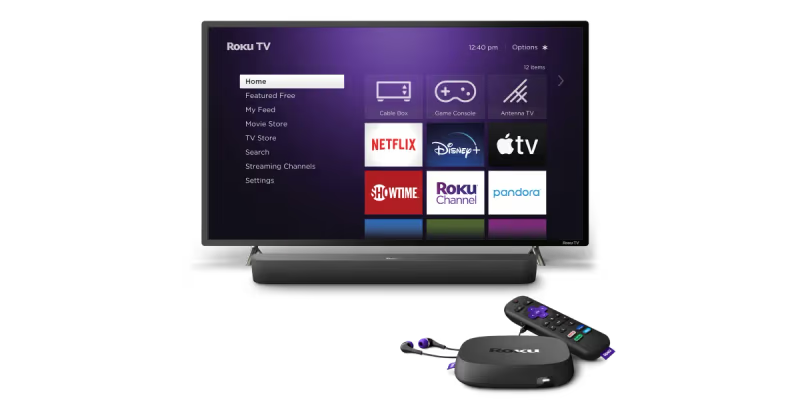 For those new to streaming, Roku devices provide easy access to top streaming platforms like Netflix, Hulu, Disney+, and hundreds more entertainment channels.
-
Roku connects your TV to streaming content via Wi-Fi instead of cable
-
Thousands of free and paid channels available through an easy-to-use interface
-
No long-term contracts required unlike cable
-
Access to live TV with add-on services
-
Universal search across channels
#How Much Does Roku Actually Cost Per Month?
Roku aims to provide flexibility in streaming choices. But what ongoing fees should you expect?
-
No platform fee: $0 ongoing fee to use Roku interface or access free channels
-
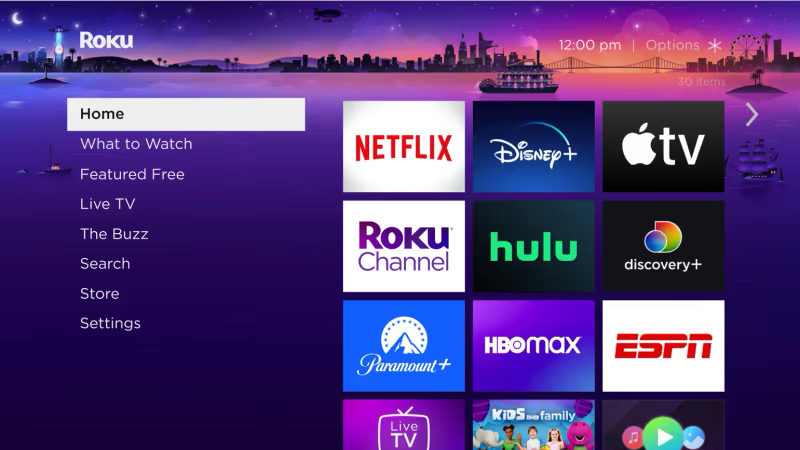
Content subscriptions: Pay subscription fees for premium channels like Netflix
-
Hardware upgrades: Advanced Roku devices have higher upfront costs
-
Some channels offer paid ad-free options
The need for subscriptions makes it hard to use Roku 100% free long-term. But strategically selecting channels can reduce regular fees.
#How Do Streaming Device Costs Compare to Cable?
For those debating cancelling cable for Roku, how do the costs truly compare?
- Cable TV drawbacks
Typically $50-150 per month with long contracts
-
Hundreds of channels you end up paying for whether you watch them or not
-
Added fees for equipment and DVR service
-
Difficult to cancel or downgrade packages
-
Roku benefits
-
No platform or hardware fees beyond initial purchase
-
Flexibility to add and cancel content subscriptions anytime
-
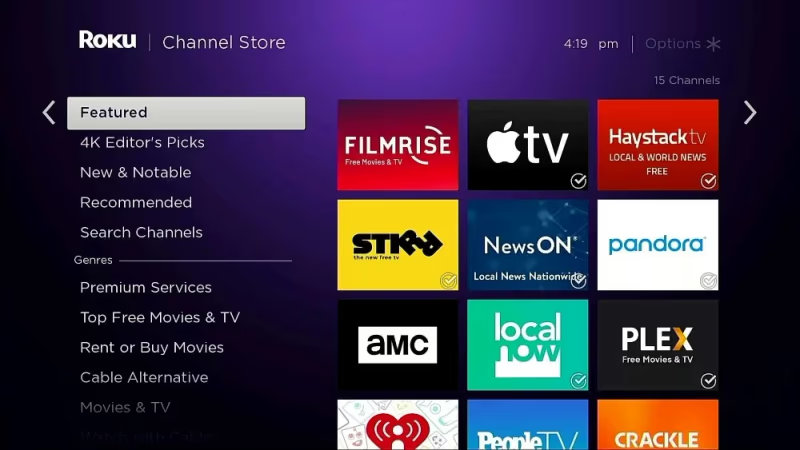
Easy access to free streaming channels and free trials
-
Ability to compare costs of add-on channel packages
The Roku model gives consumers control over paid streaming options, resulting in significant potential savings compared to being locked into cable packages. Even compared to premium offerings like DirecTV, Roku provides more flexibility.
#Is the Monthly Fee for Roku Worth It for You?
With streaming flexibility comes the responsibility of managing subscriptions. Is the ongoing cost worth it?
-
Best for cable TV substitutes who value replacing channels
-
Savings for smart streamers who strategically add and remove paid channels
-
Issues for free streaming lovers not wanting any subscriptions
While using Roku long-term likely involves some monthly paid subscriptions, the control over your streaming choices can lead to major cost reductions from the constraints of cable contracts.
#5 Tips to Reduce Streaming Costs With Roku
Take advantage of Roku’s flexible streaming model to minimize monthly fees with these tips:
-
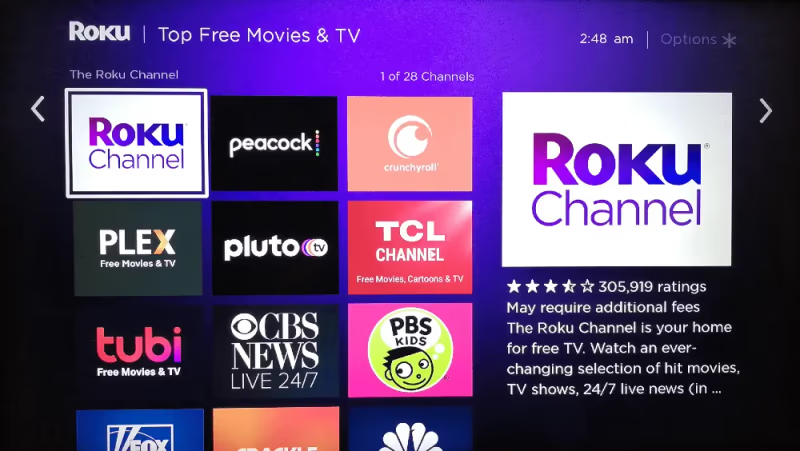
Browse free streaming channels like Tubi, Pluto TV, and Soap2Day
-
Use free trials before paying for premium channels
-
Compare costs of bundled channel packages
-
Cancel paid channels or downgrade anytime
-
Take advantage of account sharing opportunities
Proactively managing subscriptions is key for cost-conscious streaming.
#FAQs on Roku Fees and Cutting the Cable Cord
#Does Roku charge a monthly fee to use?
No, Roku does not charge any monthly platform fee. You buy the device once and get free access to the Roku interface, The Roku Channel, and thousands of free streaming channels. The only monthly costs come from optional premium subscriptions like Netflix or Hulu that you choose to add.
#What are the best free streaming services on Roku?
Tubi, The Roku Channel, Pluto TV, and Crackle are among the top free options. YouTube, PBS, and ABC News also provide free content. Many of these channels offer full movies, TV series, and live news without requiring a credit card or paid subscription.
#How much can you actually save by switching from cable to Roku?
Most households save between $50 and $100 per month after switching. Cable averages $83 per month before equipment fees, while two or three streaming subscriptions on Roku typically cost $25 to $45 total. The savings add up to $600 or more per year for many families.
#Do any paid channels offer free trials on Roku?
Yes, several major streaming services offer free trials for new subscribers. Netflix, Hulu, Amazon Prime Video, and HBO Max have all offered trial periods ranging from 7 to 30 days. These trials let you test the content library before committing to a monthly payment.
#Can you watch live TV and sports on Roku without cable?
You can watch live TV through services like YouTube TV, Hulu + Live TV, and Sling TV on your Roku. Sling TV starts at $40 per month and includes ESPN, TNT, and other popular channels. Pluto TV and The Roku Channel also offer free live TV streams, though with fewer major network options.
#Is Roku better than a smart TV’s built-in apps?
Roku generally gets app updates faster and supports a wider range of streaming services than most built-in smart TV platforms. Smart TV apps can slow down after a few years as the hardware ages. A $30 Roku Express plugged into an older TV often runs apps more smoothly than the TV’s own software.
#Can you access regular cable channels and shows on Roku?
Roku devices do not provide direct access to cable networks on their own. However, live TV services like YouTube TV, Hulu + Live TV, and Sling TV let you stream popular cable channels including ESPN, HGTV, and CNN. These services cost $40 to $75 per month, still less than most cable packages.
#What happens if you cancel all your Roku subscriptions?
Your Roku device still works with zero paid subscriptions. You keep full access to free channels like Tubi, Pluto TV, The Roku Channel, and YouTube. The device itself has no expiration date or required ongoing payments, so you can always come back and resubscribe later.
#Bottom Line
-
While Roku itself has no monthly fee, subscriptions to channels will have ongoing costs
-
Roku users have flexibility to add and remove paid streaming options
-
Potential for major savings compared to being locked into cable contracts
-
Take advantage of free trials and channels to reduce costs
The ability for Roku users to fully control streaming subscriptions provides more choice than relying on cable packages. While monthly costs will still apply for accessing premium channels, the overall savings and satisfaction are worth it for most cord-cutters.
Hopefully this guide helps you make the best choice for your home entertainment needs. Roku’s flexibility gives you the opportunity to take charge of costs, but it does require some effort to actively manage streaming decisions. If you ever experience issues like forgetting your Roku PIN, losing your remote, or needing to log out of your Roku device, check out our other guides for solutions!